Community Training Classes & Labs > Agility - DNS Index
2.2.2. DNS Profile
A DNS profile controls the way a listener processes a query.
Navigate to: DNS > Delivery > Profiles > DNS: Create
https://gtm1.site1.example.com/tmui/Control/jspmap/tmui/dns/profile/dns/list.jsp
https://gtm1.site2.example.com/tmui/Control/jspmap/tmui/dns/profile/dns/list.jsp?
Note
It is required to complete the following task on both gtm1.site and gtm1.site2
Create a new DNS profile as shown in the following table.
| Setting | Value |
|---|---|
| Name | example.com_dns_profile |
| Unhandled Query Action | Drop |
| Use BIND Server on Big-IP | Disabled |
| Logging | Enabled |
| Logging Profile | example_dns_logging_profile |
| AVR statistics Sample Rate | Enabled, 1/1 queries sampled |
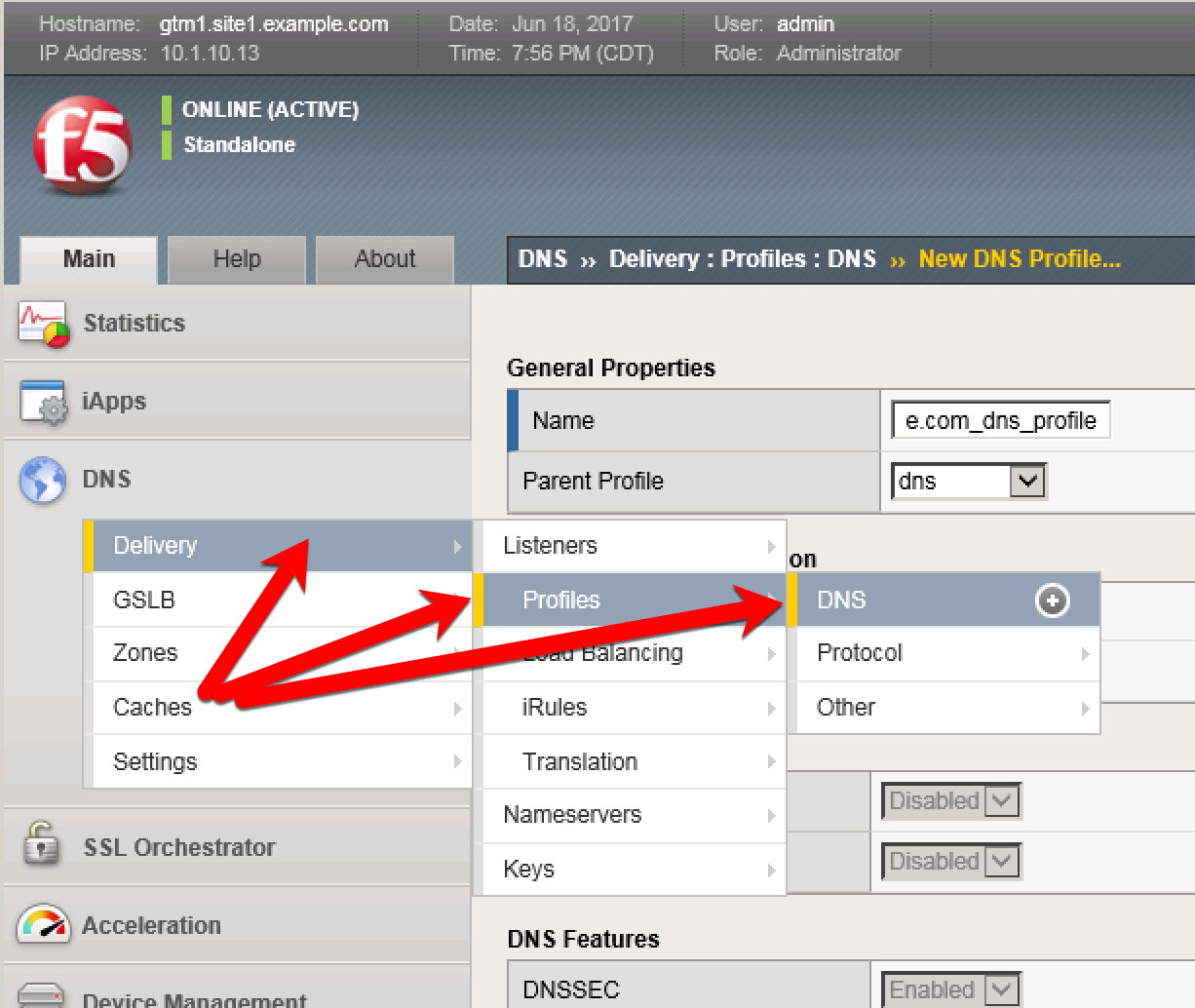

TMSH command for both gtm1.site1 and gtm1.site2:
tmsh create ltm profile dns example.com_dns_profile use-local-bind no unhandled-query-action drop log-profile example_dns_logging_profile enable-logging yes avr-dnsstat-sample-rate 1
References
| [1] | https://support.f5.com/csp/article/K14510 |