Community Training Classes & Labs > Agility - DNS Index
1.3. Orientation
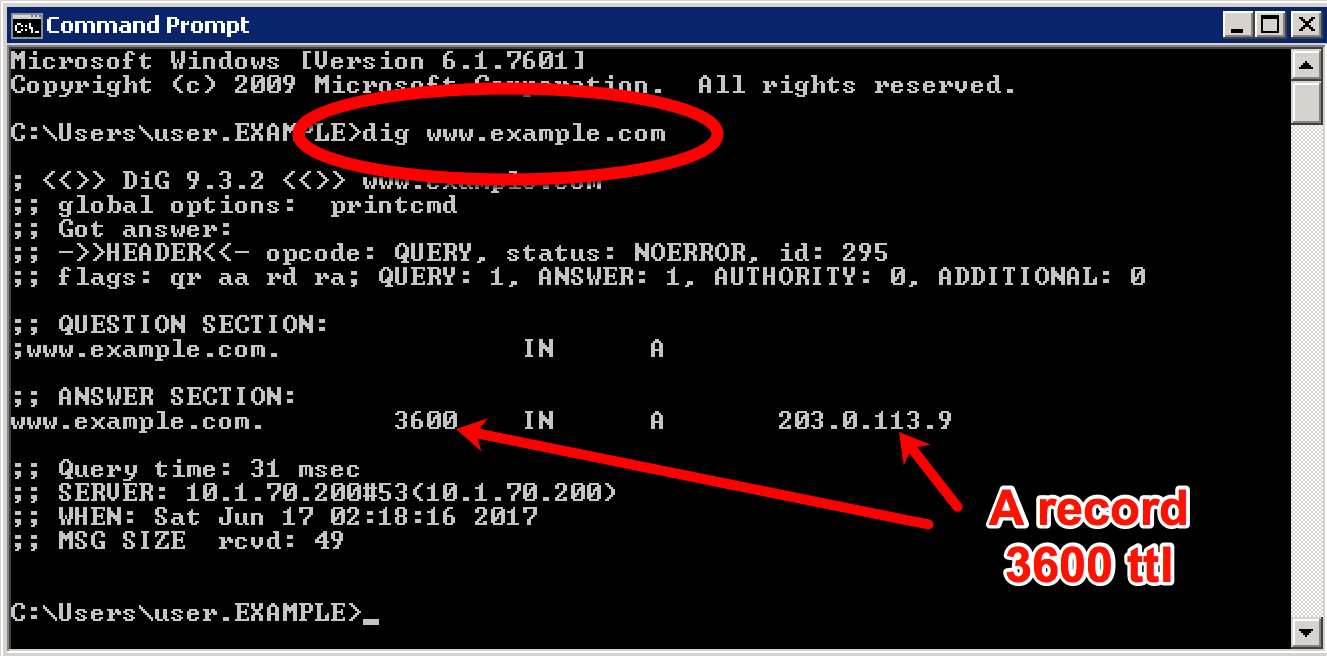
Open the command prompt on the Windows jumpbox and execute the following command:
dig www.example.com. Examine the output, and observe that an A record exists.
Open Internet Explorer and access www.example.com. Note that you accessed a web server in site1.
TODO Create content server page and add screenshot
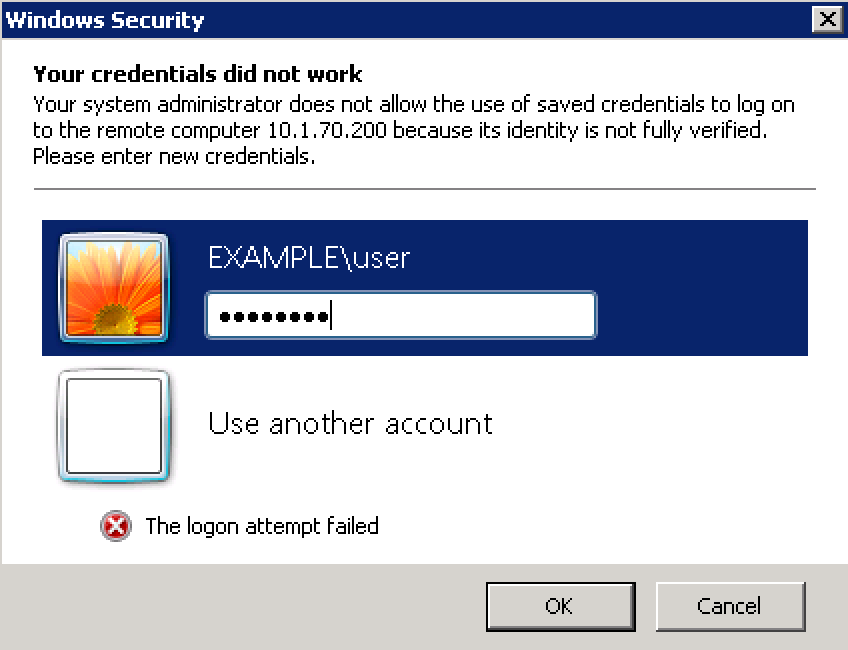
RDP to the domain controller using: EXAMPLE\user, password Agility1.
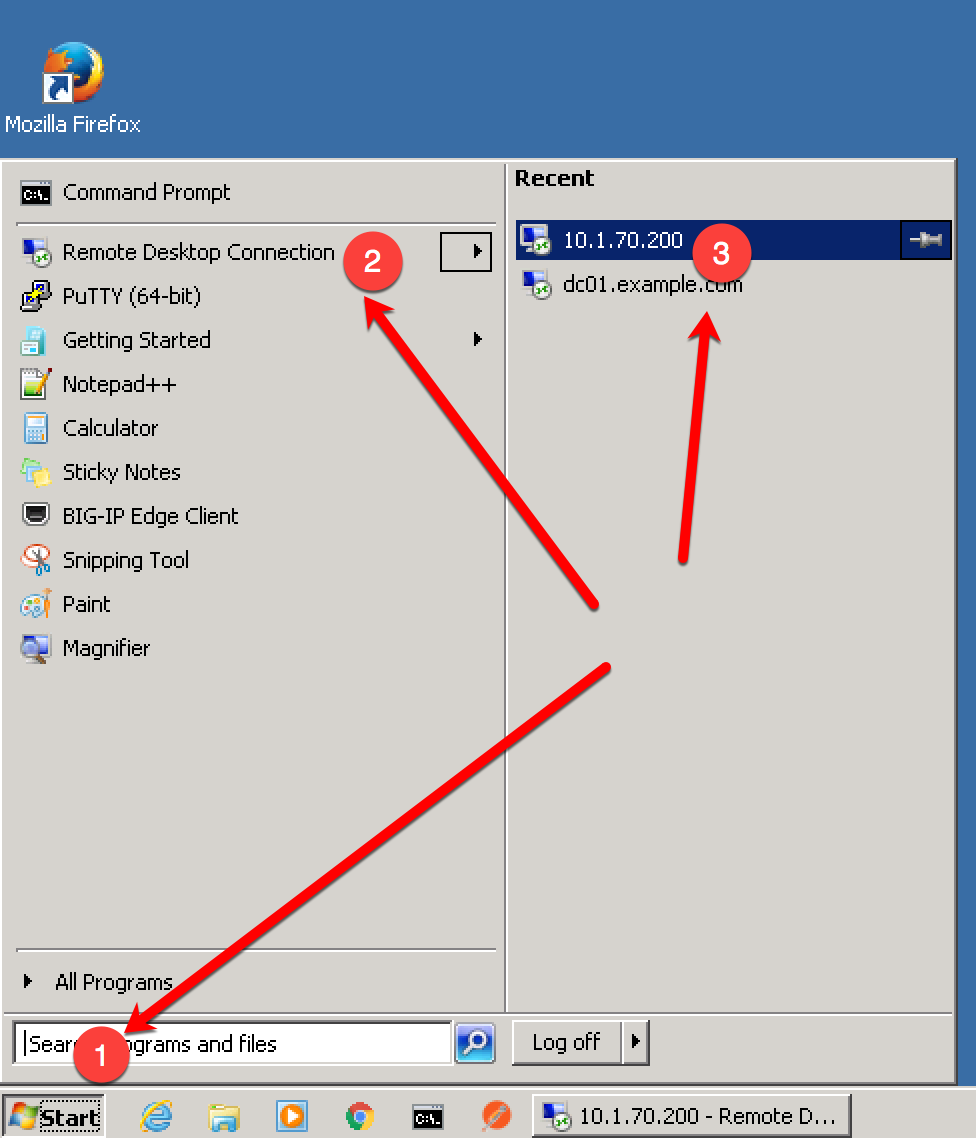
Start –> Remote Desktop Connection –> 10.1.70.200.
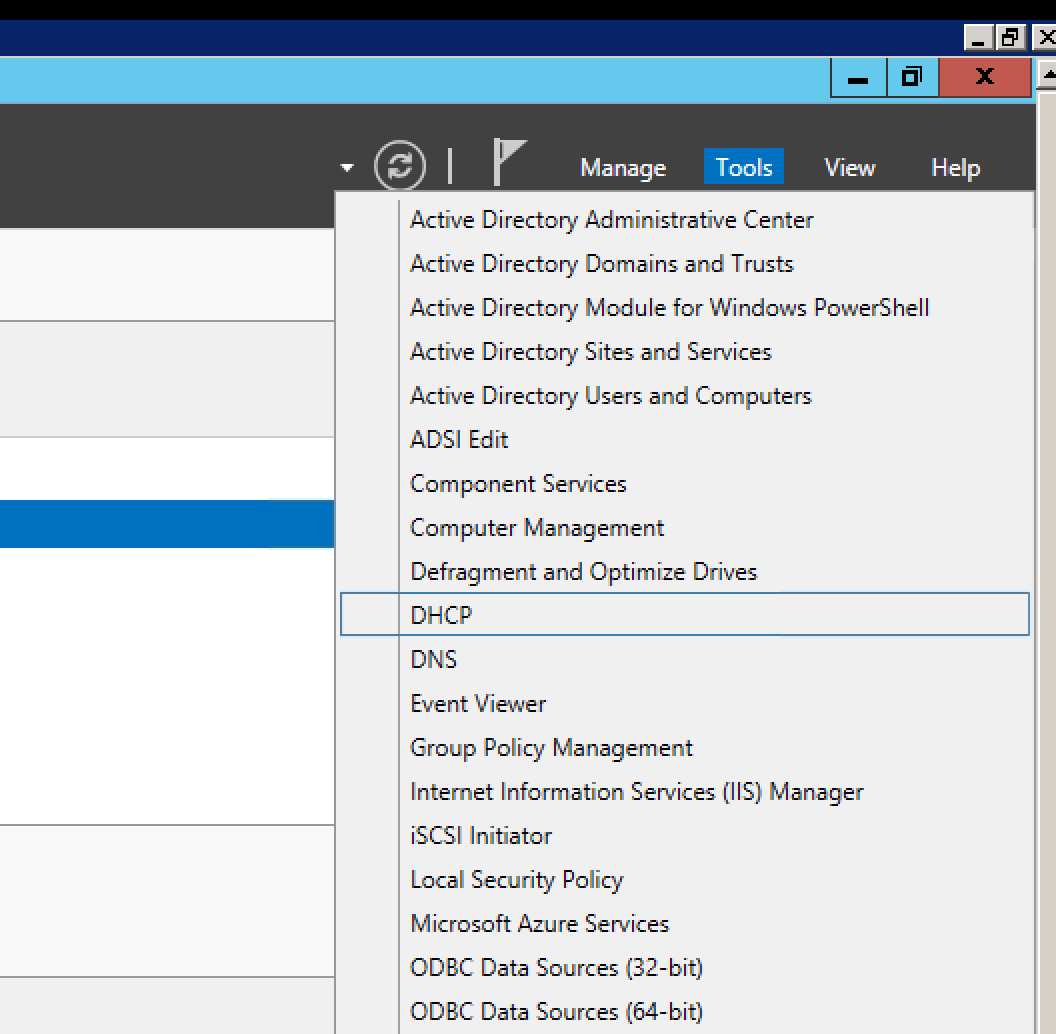
- Click on Server Manager, and in the top right corner choose Tools and then DNS.
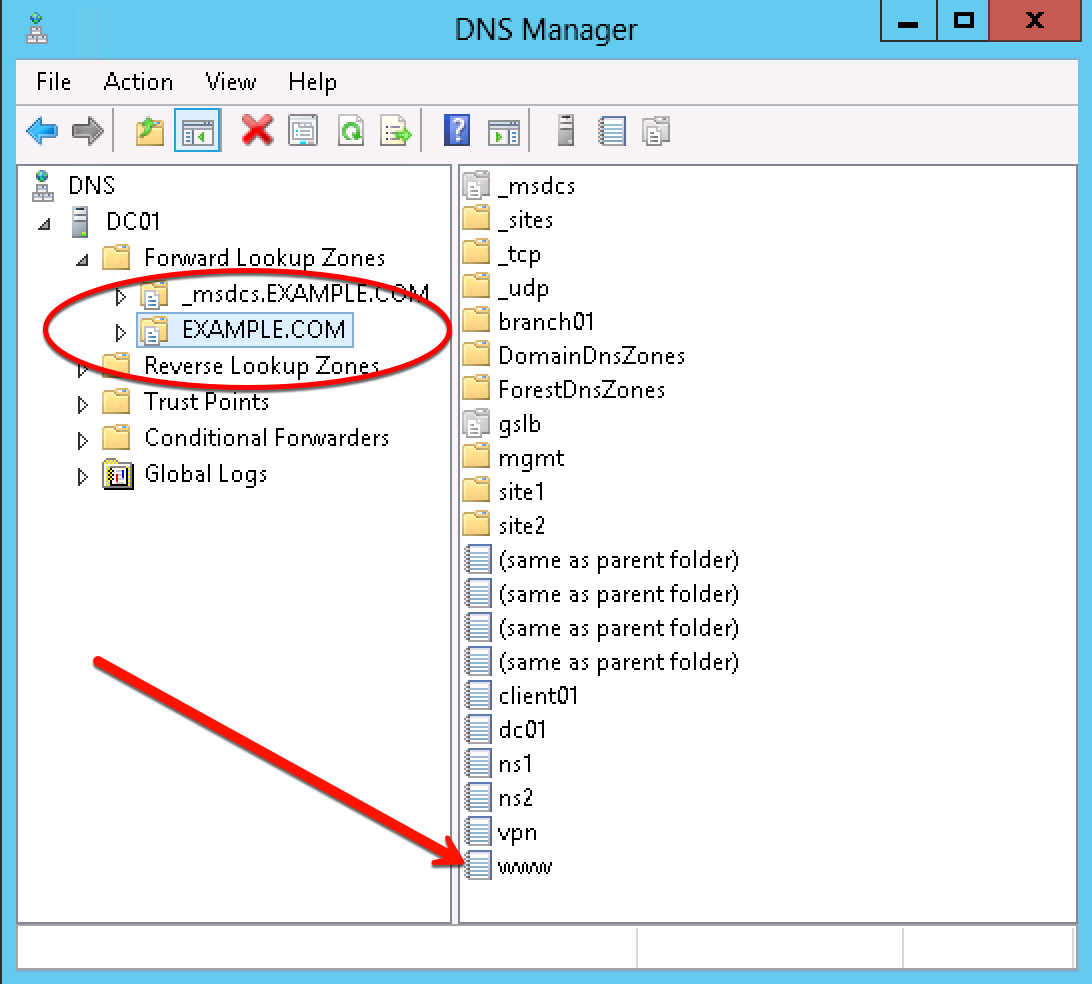
- Double click on EXAMPLE.COM and examine DNS records.
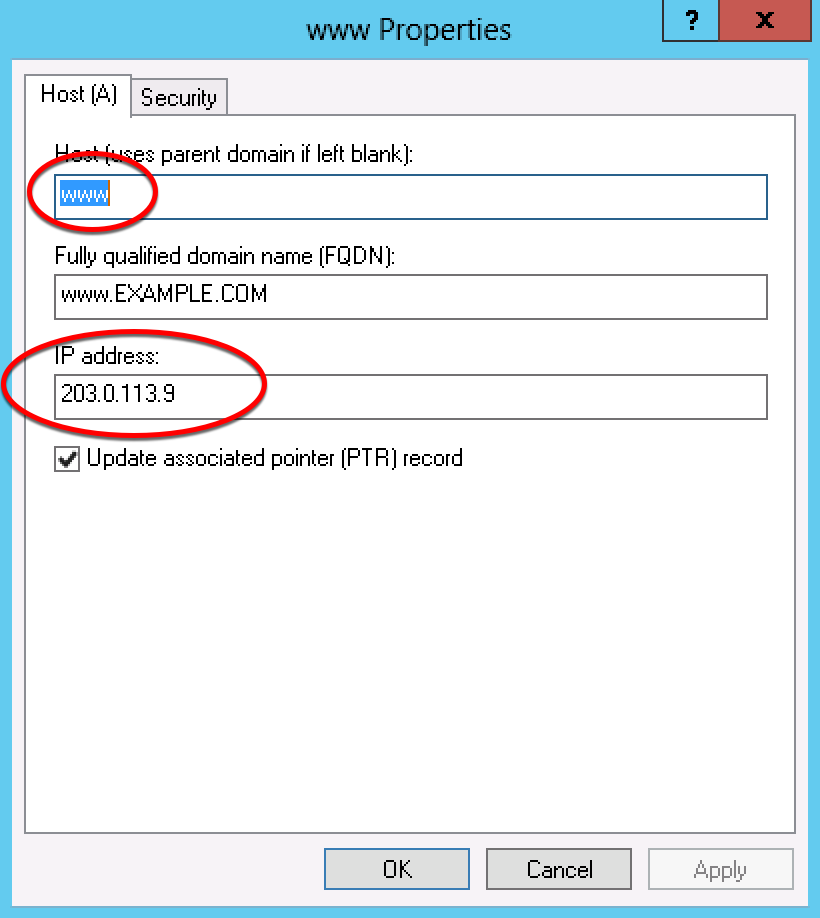
- Connect to https://bigip1.site1.example.com and list the virtual server (203.0.113.9). Use Internet Explorer Browser on the jumpbox to log in via the GUI, or use Putty for SSH to get a shell.
GUI username = admin/admin
CLI username = root/default
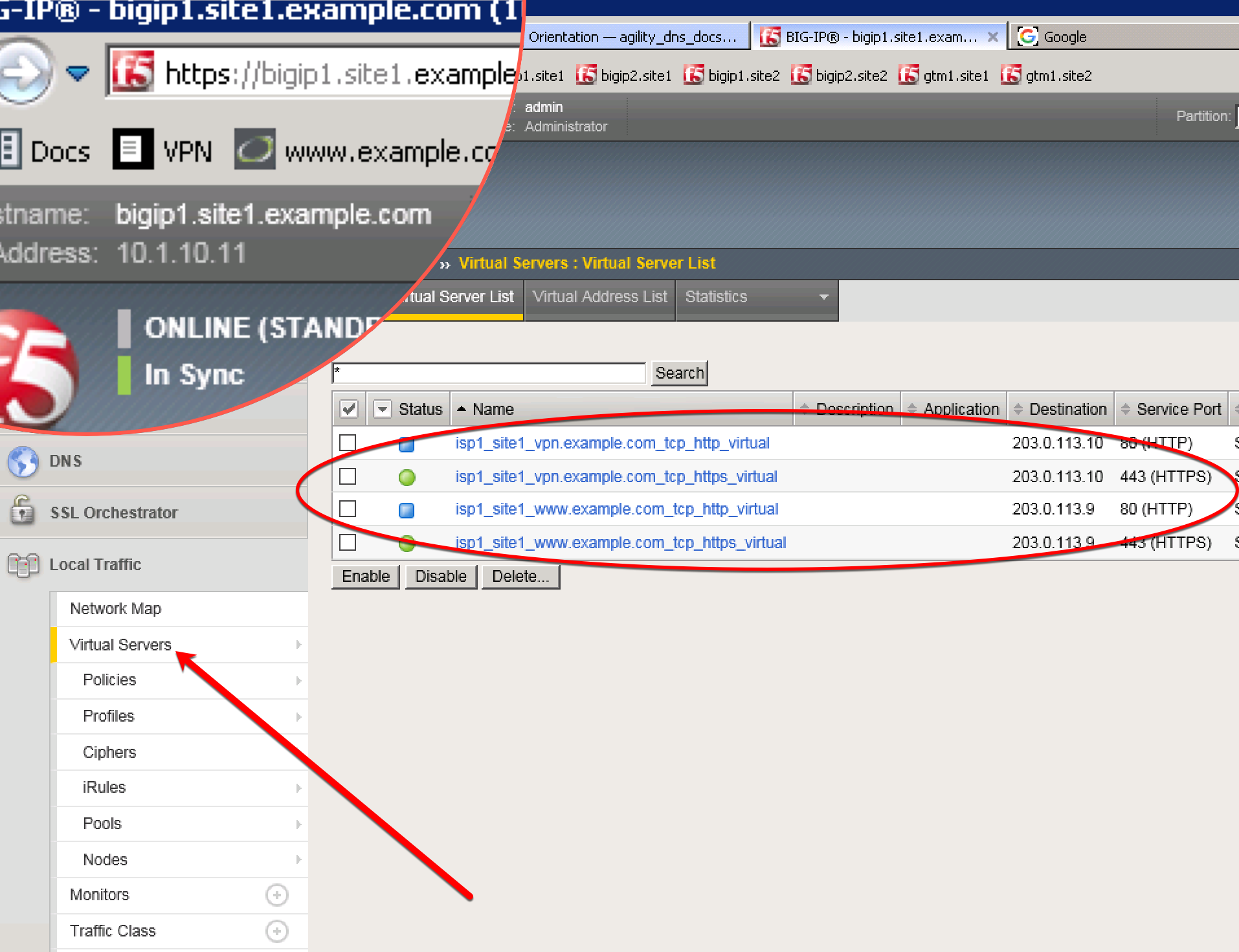
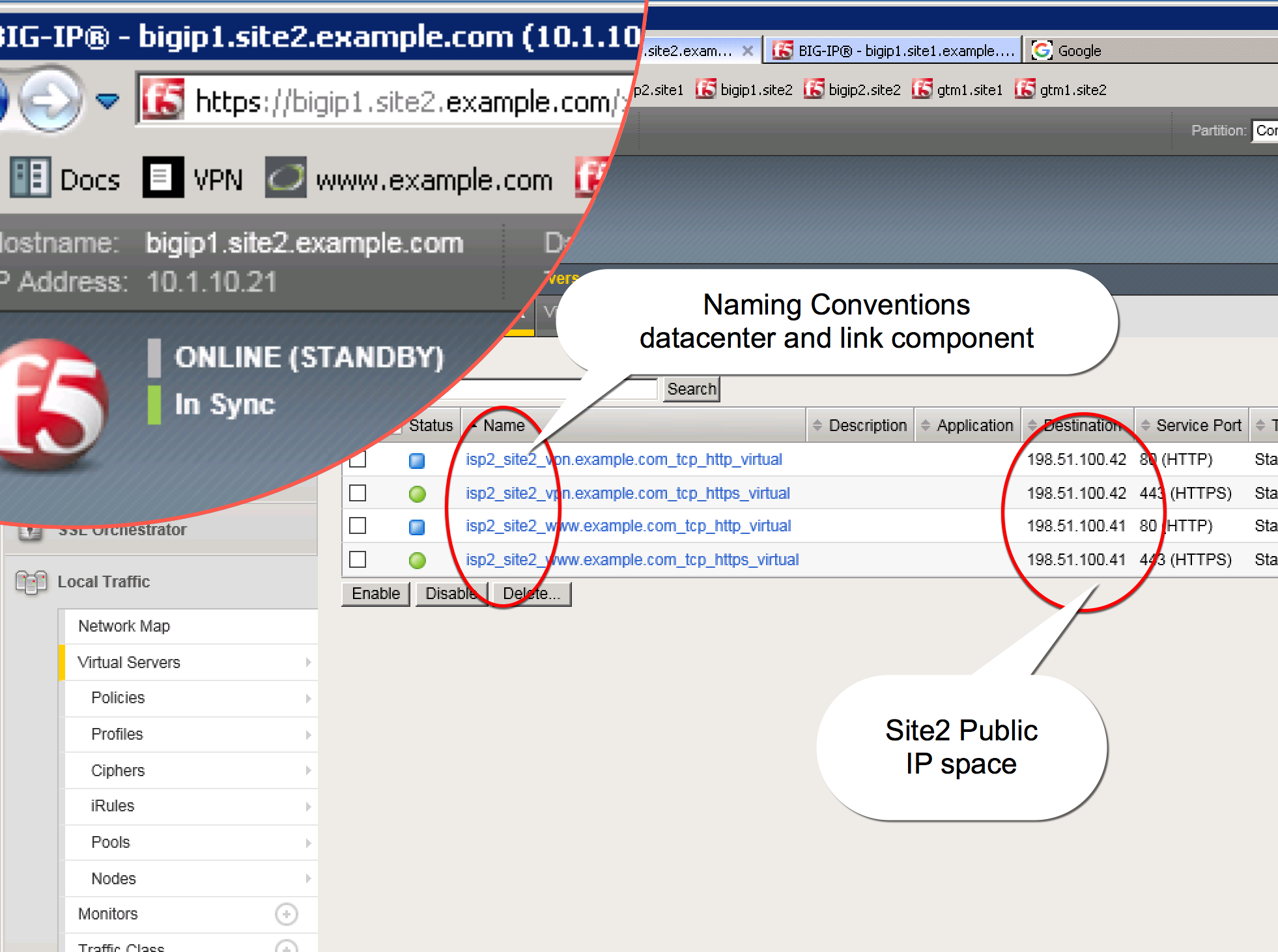
- Connect to https://bigip1.site2.example.com and list the virtual servers (198.51.100.41). Use Internet Explorer Browser on the jumpbox to log in via the GUI, or use Putty for SSH to get a shell.
GUI username = admin/admin
CLI username = root/default